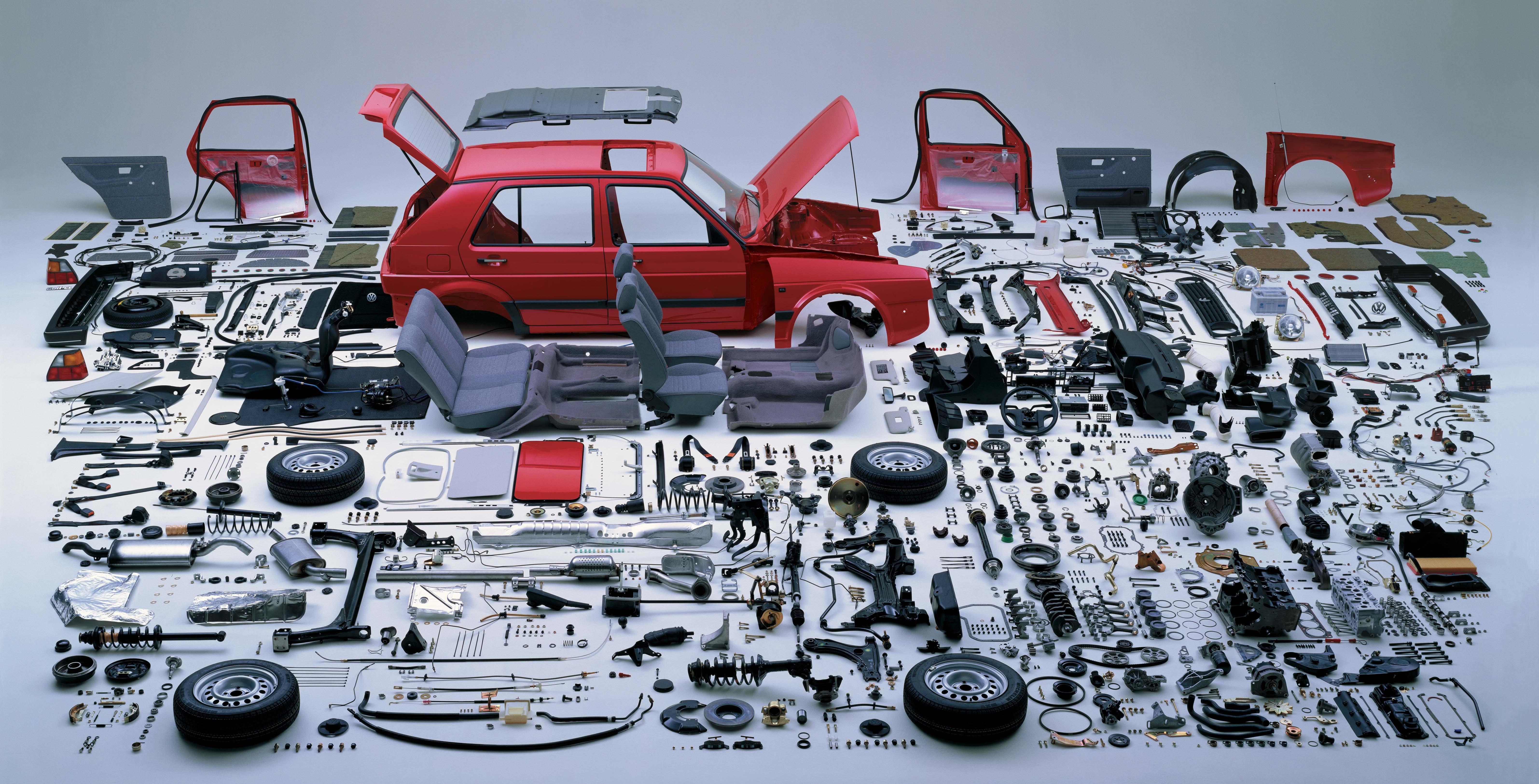
Use Components for Drupal content types
One of the biggest challenges in tracking the work related to creating a new content management system-driven site is the variety of features and specific details. Let’s take a look at how Jira can be leveraged with developing a site in Drupal, as an example.
Clearly, the easiest association one can make between JIRA Components and working on Drupal are Drupal’s content types. So, with that in mind, my advice here is to use a naming convention that makes it clearer to everyone on the team, especially Product Owners creating tickets. I like to use “Content: Article” for an Article content type, so when ultimately all content types are entered, you’ll have an easier list to work through.
Remembering that I advocate taking the time to use Components is to serve one primary purpose: organize tickets to optimize traceability. This is really helpful when searching for a likely source of a regression.
An additional benefit is testing – whether manual or automated: you can now subset your broad QA testing approach to focus specifically on the aspects of that content type only. This saves time, and saving time makes everyone happier.
Sometimes overlooked, but I believe to be equally beneficial when leveraging Components, is the general use case – that is, the function being performed by a content producer in Drupal or the specific transactional path a site’s user is taking. To this end, I strongly recommend adding Components like:
- Content Editing
- Image Editing
- Content Scheduling
To round out your list, add other specific groupings depending on the Epics your Sprints have been focusing on. Often found in our Sprints are Components like:
- Analytics
- Advertising
- Metadata
- page-layout-specific constants, like Footer and Navigation Menu.
Bonus tip: once you’ve had these Components in place for a few Sprints, then you can create some useful tables to show all the current work for a specific Component, with a simple query like:
project = [projectshortcode]
AND Sprint in openSprints() AND type!= Sub-task
AND component = “Content: Article”
To show work for a Component in recent sprints, you can modify this query to something like:
project = [projectshortcode]
AND type!= Sub-task
AND component = "Analytics"
AND updated > -8w
If your Sprints are 2 weeks long, this would give you tickets that were modified in the last four Sprints.